

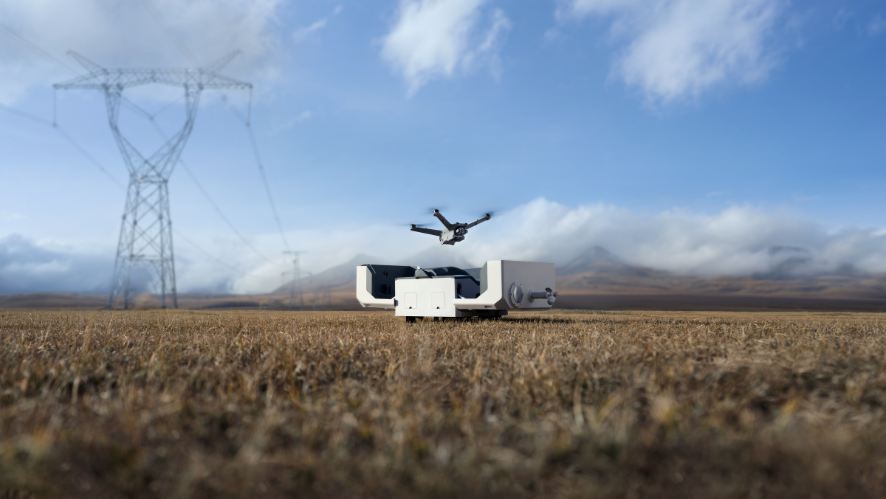
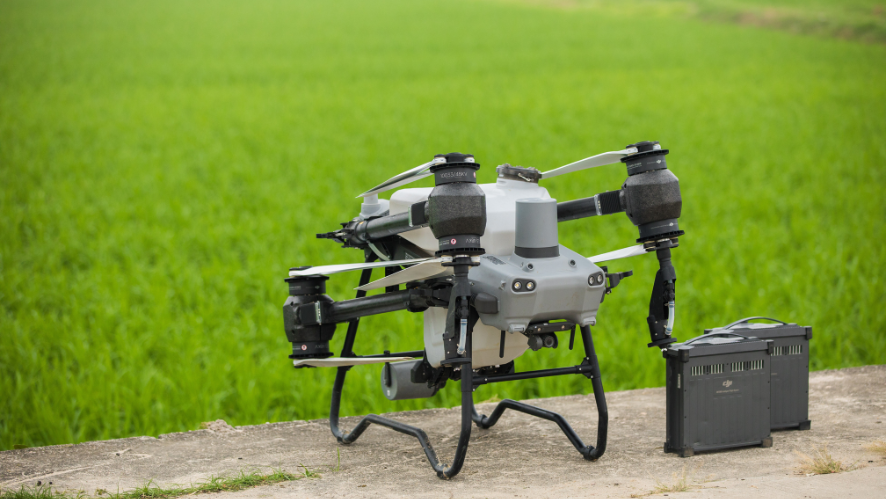
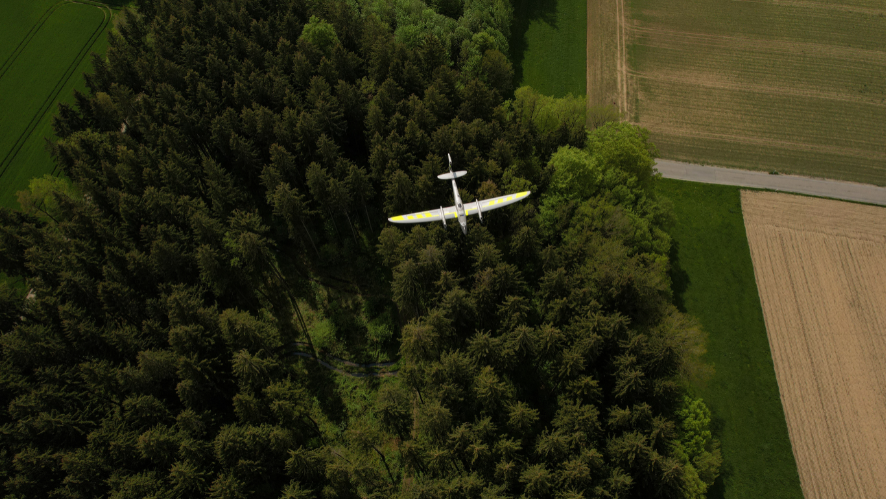
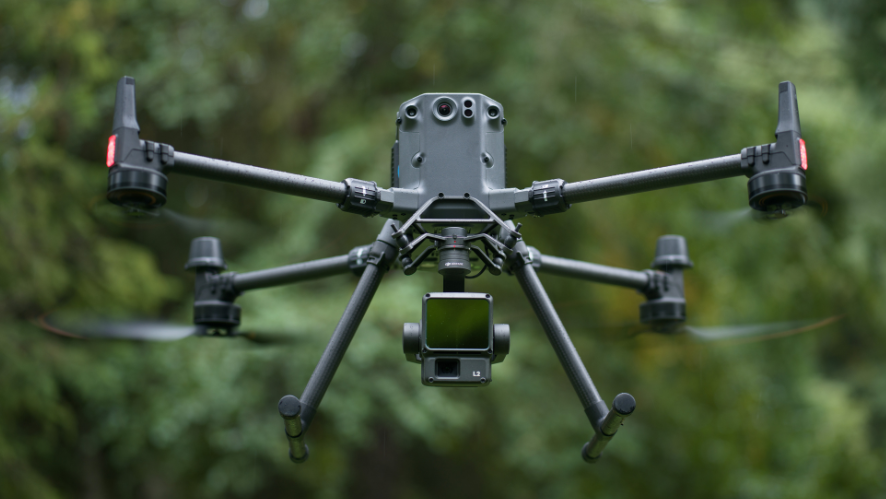
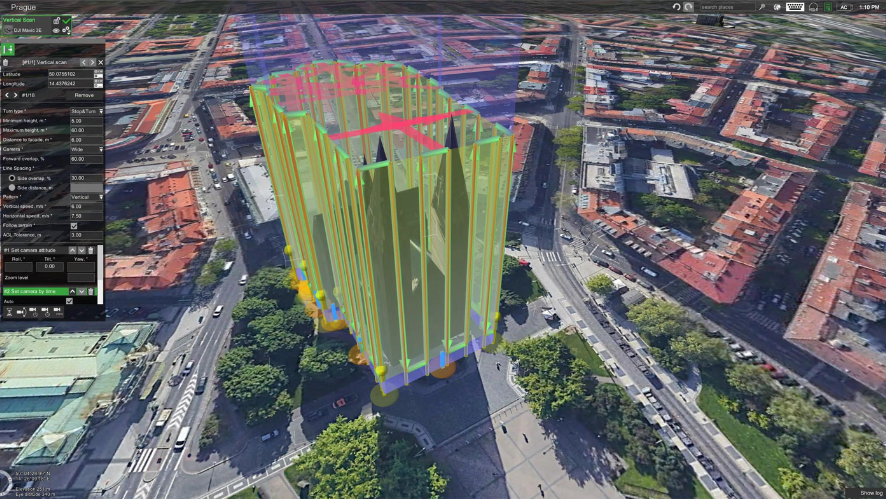
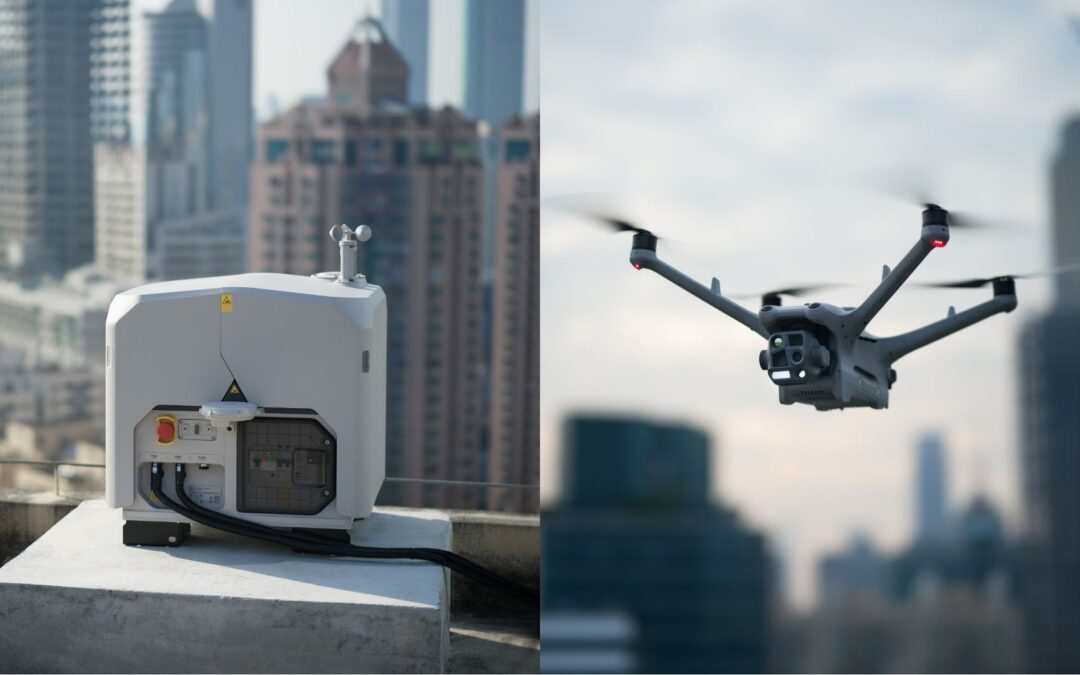
What if you could control drone inspections as easily as typing a message on your phone? The DJI Dock 3, paired with the Matrice 4D, lets you do just that: use your phone’s on-screen keyboard to manage complex inspection workflows. This approach redefines accessibility and efficiency in critical remote operations.
The Revolution in Mobile Keyboard Control
Traditional drone control required operators to master specific remote controls, which were often complex and had a steep learning curve. The DJI Dock 3, together with the Matrice 4D, introduces a completely different approach: control via the smartphone’s virtual keyboard integrated with intelligent automation.
This capability allows professional operator teams to:
- Control the drone’s movements using your phone’s on-screen keyboard. No specialized remote controls or additional hardware are needed—just the DJI Pilot 2 app on your phone and an intuitive on-screen keyboard.
- Navigate inspection routes with precision using keyboard commands, adjusting flight paths in real time without the need for reprogramming. This is especially critical in infrastructure inspections, where deviations of just a few centimeters can mean the difference between accurate data and unusable results.
- Instantly adjust camera views during missions, switching between wide-angle (24 mm), medium telephoto (70 mm), and telephoto (168 mm) with a single command. For inspections of transmission lines or complex structures, this flexibility is transformative.
Improve operational efficiency by up to 40% in remote operations scenarios, where every second of downtime or repositioning incurs significant costs. Operators can work with one hand, leaving the other free to take notes or control additional equipment.
Why mobile keyboard control works
The mobile phone’s virtual keyboard offers unique operational advantages that traditional remote controls cannot match.
Immediate accessibility: anyone with a mobile phone can start controlling drones in a matter of minutes. The learning curve is virtually nonexistent for those who already use a mobile phone on a daily basis.
- Location flexibility: Operators are not limited to a specific location. They can be in a control room, in a vehicle in the field, or even in a remote area.
- As long as they have an internet connection (4G/5G or via DJI FlightHub 2), they can control operations.
Integration with DJI Pilot 2: The DJI Pilot 2 app displays the virtual keyboard contextually, showing only the commands relevant to the current phase of the mission. This reduces complexity and minimizes operational errors. - Real-time documentation: While controlling the drone via the keyboard, the operator can simultaneously take notes, capture screenshots, or mark areas of interest—all within a single app.
Use Cases: How Mobile Keyboard Control Transforms Operations
Power Line Inspection
Field operators can inspect hundreds of kilometers of power lines using only a mobile phone. Using the on-screen keyboard, they navigate the Matrice 4D along complex routes, while multi-sensor cameras capture data on insulators, connectors, and support structures. Laser telemetry measures distances to identify structural deterioration. All of this without the need for specialized remote controls.
Search and Rescue Operations
Remote operators control the drone via a mobile phone keyboard, flying with precision over search areas while the infrared thermal camera (with NIR illumination up to 100 meters) locates people in low-visibility environments. Integration with DJI FlightHub 2 allows multiple operators to collaborate in real time, each from their own mobile phone.
Critical Infrastructure Surveillance
Ports, airports, and energy facilities require continuous surveillance. The Dock 3, paired with the Matrice 4D, offers 24/7 monitoring with remote control via a mobile phone keyboard. Operators can switch between cameras to obtain different levels of detail, adjusting the surveillance strategy in response to real-time events.
Inspection of complex structures
Historic buildings, bridges, and industrial infrastructure demand thorough inspection. Mobile keyboard control allows operators to navigate complex structures with a precision impossible to achieve with conventional remote controls. High-resolution cameras (48 MP) capture microscopic details, while the laser rangefinder measures critical dimensions.
Basic Instructions: Getting Started with Mobile Keyboard Controls
Initial Setup:
Open the DJI Pilot 2 app on your phone and go to the control settings. Select “Keyboard Control Mode,” and the on-screen keyboard will automatically appear at the bottom of the screen. Configure the key assignments according to your preferences; the arrow keys control movement (up/down for altitude, left/right for yaw).
Route Navigation:
Define waypoints via DJI FlightHub 2 or directly in the mobile app. The drone automatically follows the route, while the operator uses the virtual keyboard to make precise adjustments to the flight path. Press “C” to switch cameras, “Z” to zoom, and “T” to activate the laser rangefinder.
Data Capture:
During the mission, press “S” on the virtual keyboard to capture a still image or “V” to start a video recording. The data is stored locally on the drone and synced with FlightHub 2 after landing. For critical operations, data can be transmitted in real time via a 4G/5G connection.
Automatic Return:
Press “R” to activate the automatic return to Dock 3. The drone navigates autonomously while the operator monitors via the camera on the mobile screen. Landing is fully automatic: Dock 3 aligns, the drone lands, and charging begins immediately.
The Future of Professional Mobile Operations
In a market that demands operational efficiency, data accuracy, and absolute reliability, the DJI Dock 3, together with the Matrice 4D and mobile keyboard control, brings inspection operations to the cutting edge of technology. It’s not just a new control method—it’s about democratizing access to professional drone technology.
Operators with a mobile phone can now control sophisticated aerial platforms with the same intuitiveness they use to communicate every day. This lowers barriers to entry, speeds up training, and, most importantly, improves operational results.
Are you ready to transform your inspection operations with mobile keyboard control?